
Working together
You work on the same projects, renders, lists and tasks. No copying files or sending links around.
Shared projects, clients and files for you and your team. Everyone sees and does only what you assign to them.
Teams already work in the trial: invite 2 people and try working together before you buy.
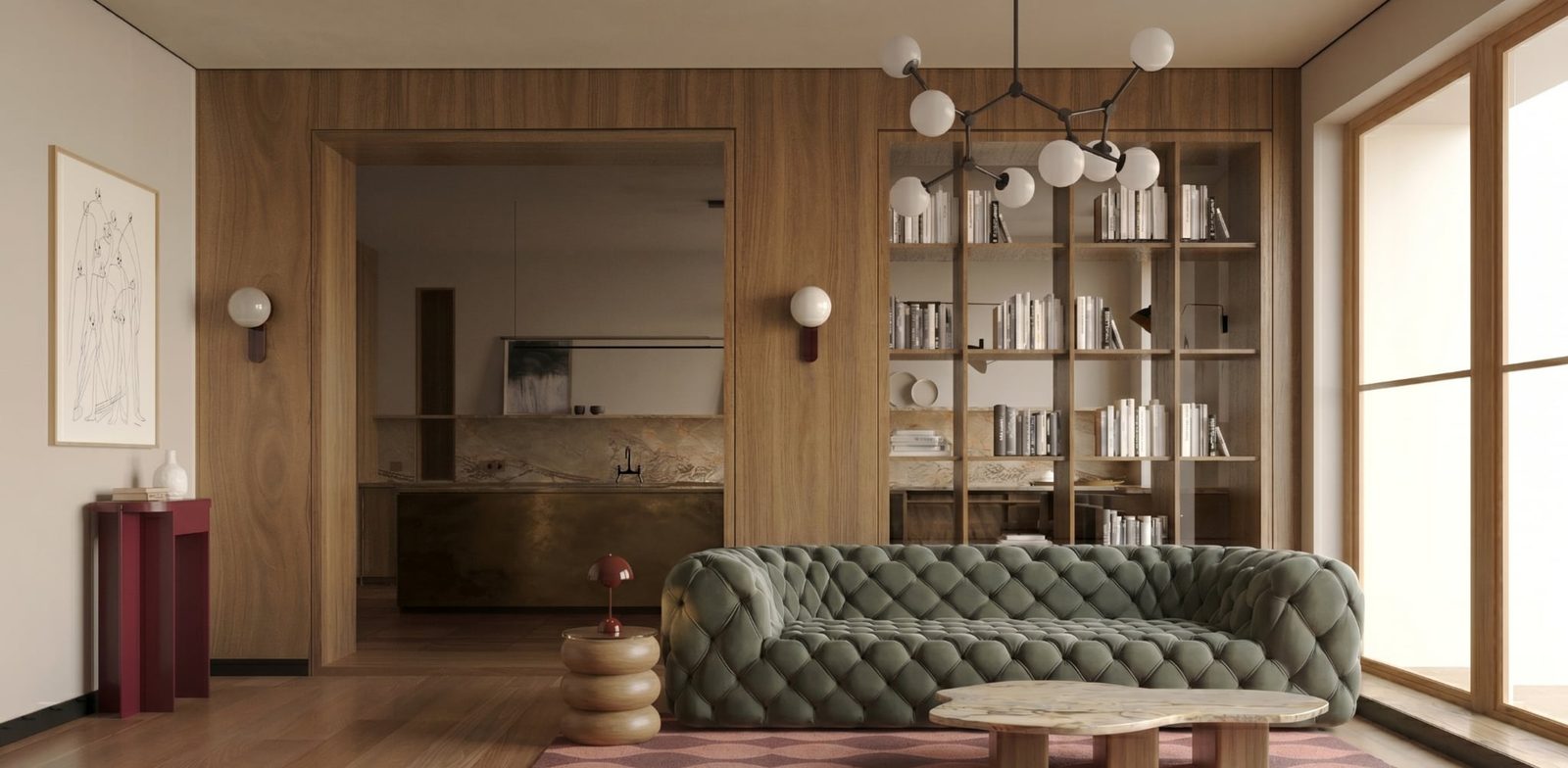
You run an interior design studio with one or two people helping you. You work on the same projects, but not everyone should see everything.
You work on the same projects, renders, lists and tasks. No copying files or sending links around.
You decide who sees which clients and which modules, including prices, margins and payments.
Projects belong to the studio, not to the person running them. When someone leaves, their work stays with you.
One project, two people and a client. This is what one revision looks like in veedeck.
1
lock
Could the floor be a little lighter?
A lighter oak fits the budget. Check the shopping list.
Every person has a role. Team members also get permission groups that set access to each module and to clients.
Everything, including the veedeck plan and billing, granting the admin role and client documents.
Full access to modules and all clients. Invites and removes people, sets groups, assigns clients.
Only what their permission groups give them.
A person can belong to several groups. Permissions add up and the highest level applies.
You can change any template or create your own group.
A group sees all clients or only assigned ones. A person with access to assigned clients:
Client payments are a separate module. You can hide amounts and payments from your team, just like shopping lists with prices and margins.
A pending invitation also takes a seat.
The owner and 2 people. You can try teamwork in the trial.
Just you
You and 2 people
You and 2 people, like Studio
Moving from Studio to Solo? Members stay on the list with read-only access until you go back to Studio or remove them. Need more seats? Get in touch.
Two on the Studio plan, besides you. Need more seats? Get in touch.
They stay in your studio. You remove the person, not their work: projects, files and comments stay in the studio workspace.
Only if you allow it in their permission group. You can hide shopping lists and client payments or make them view only.
No. A note marked as internal is visible only to the team.
Yes. With one account you switch between your own workspace and the workspaces of studios you've joined.
Yes, you can invite two people in the trial.
Create an account, invite your team and decide who sees what. You can try teamwork in the trial.